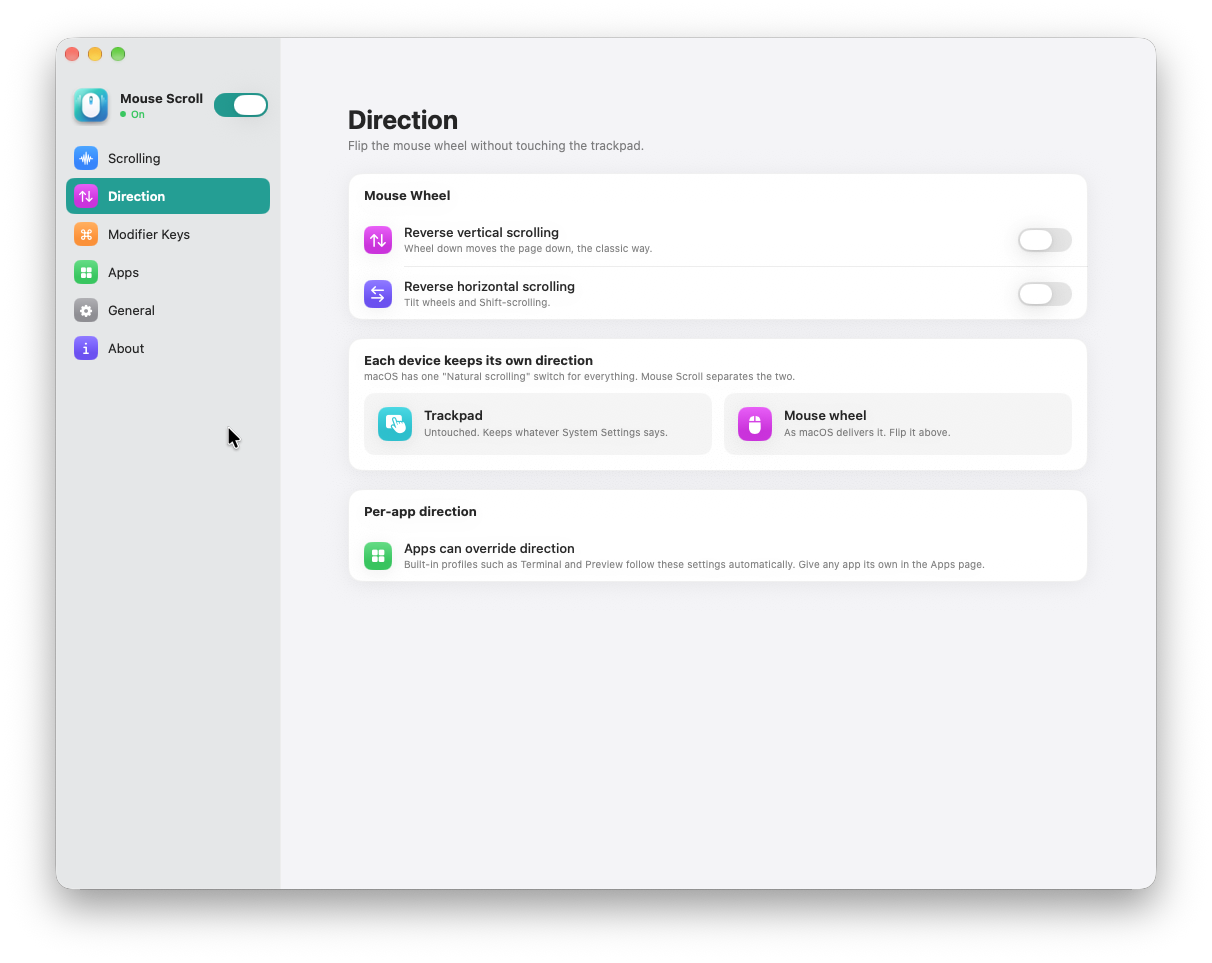
Your direction
Two devices. Their own direction.
Keep the trackpad direction you like and set the mouse wheel separately. Reverse vertical or horizontal scrolling, with app-specific overrides when you need them.

Mouse Scroll
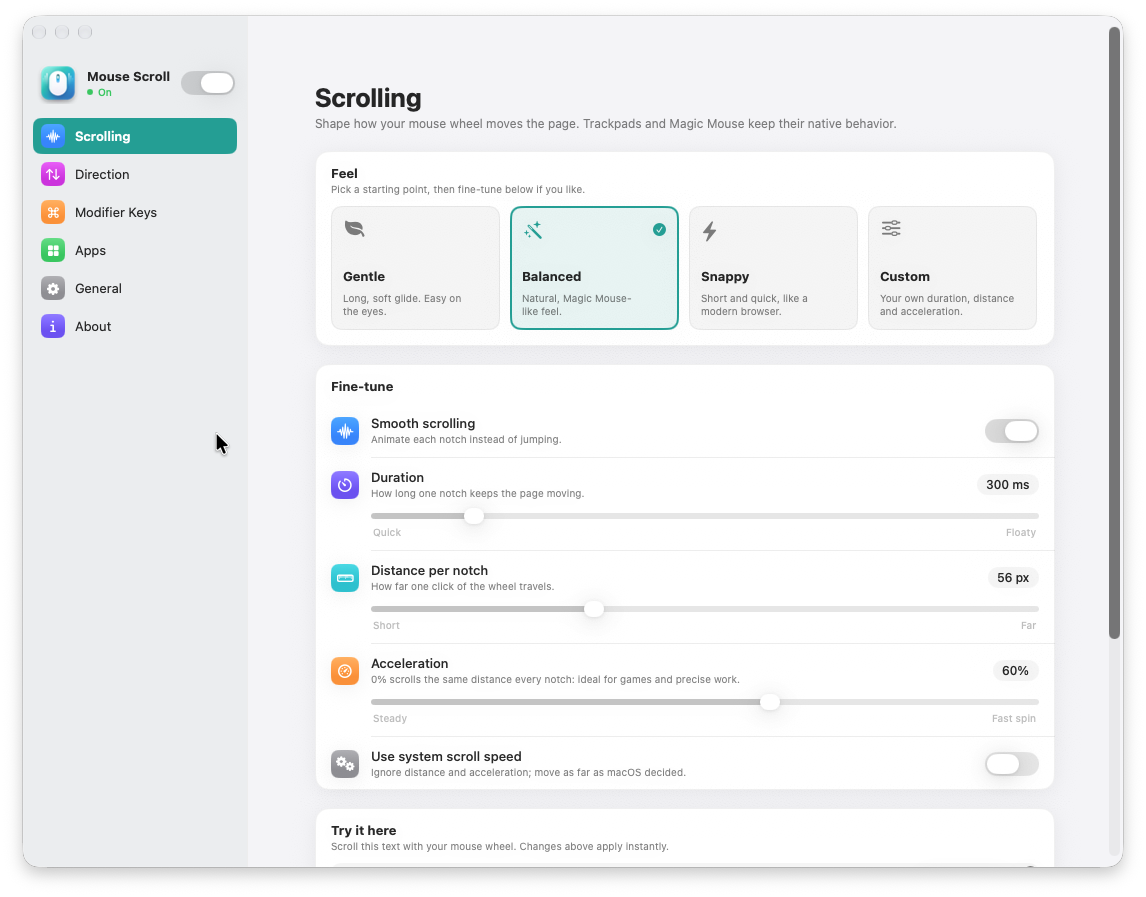
Make your mouse wheel feel at home on your Mac. Choose a smooth scrolling preset, fine-tune the motion, and give each app its own settings. Your trackpad and Magic Mouse keep their native behavior.
 Click a screenshot to view it full size ↗
Keep the trackpad direction you like and set the mouse wheel separately. Reverse vertical or horizontal scrolling, with app-specific overrides when you need them.
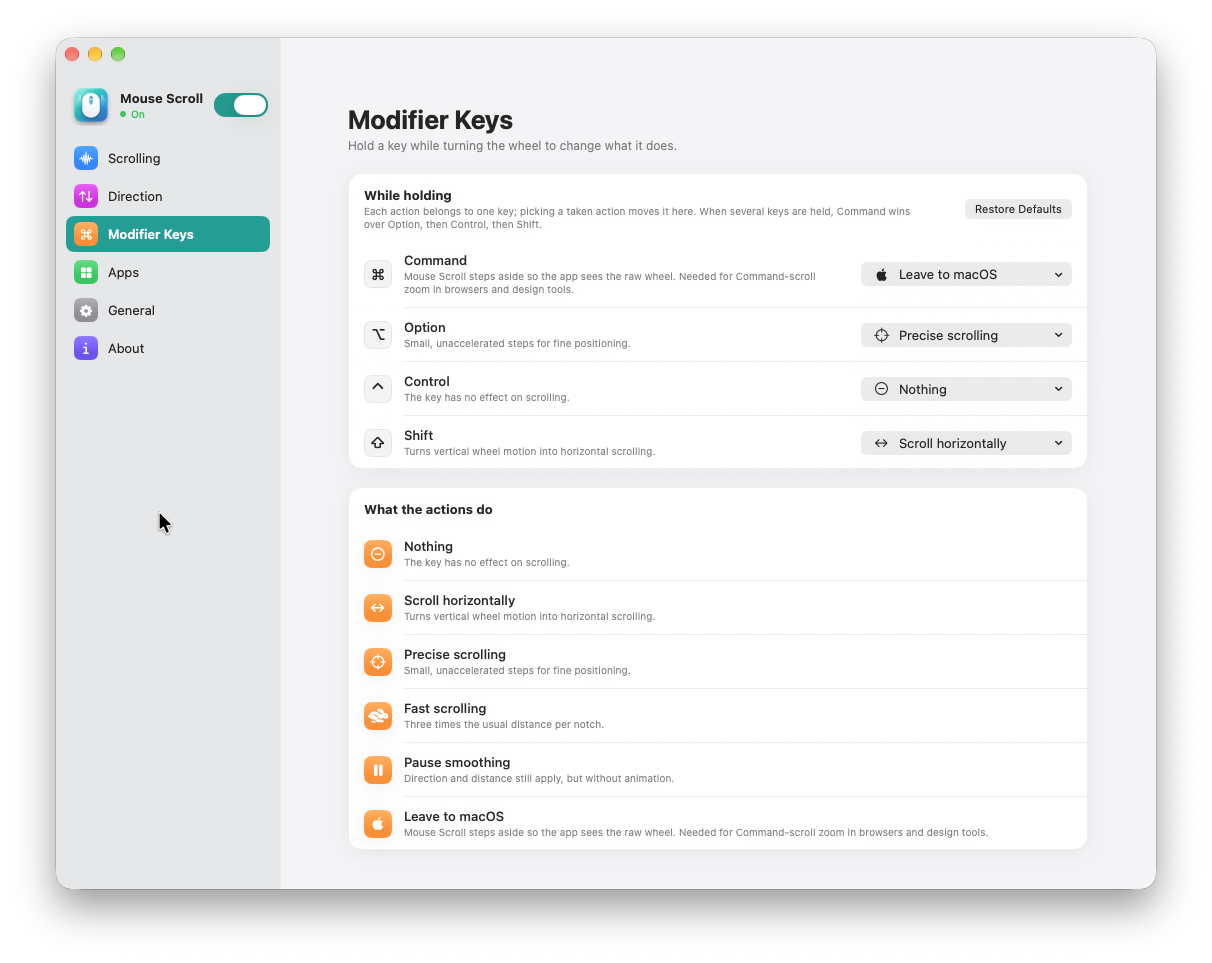
Make small adjustments with precise scrolling, move across wide pages horizontally, or cover more ground with fast scrolling. Give each modifier key the action that suits you.
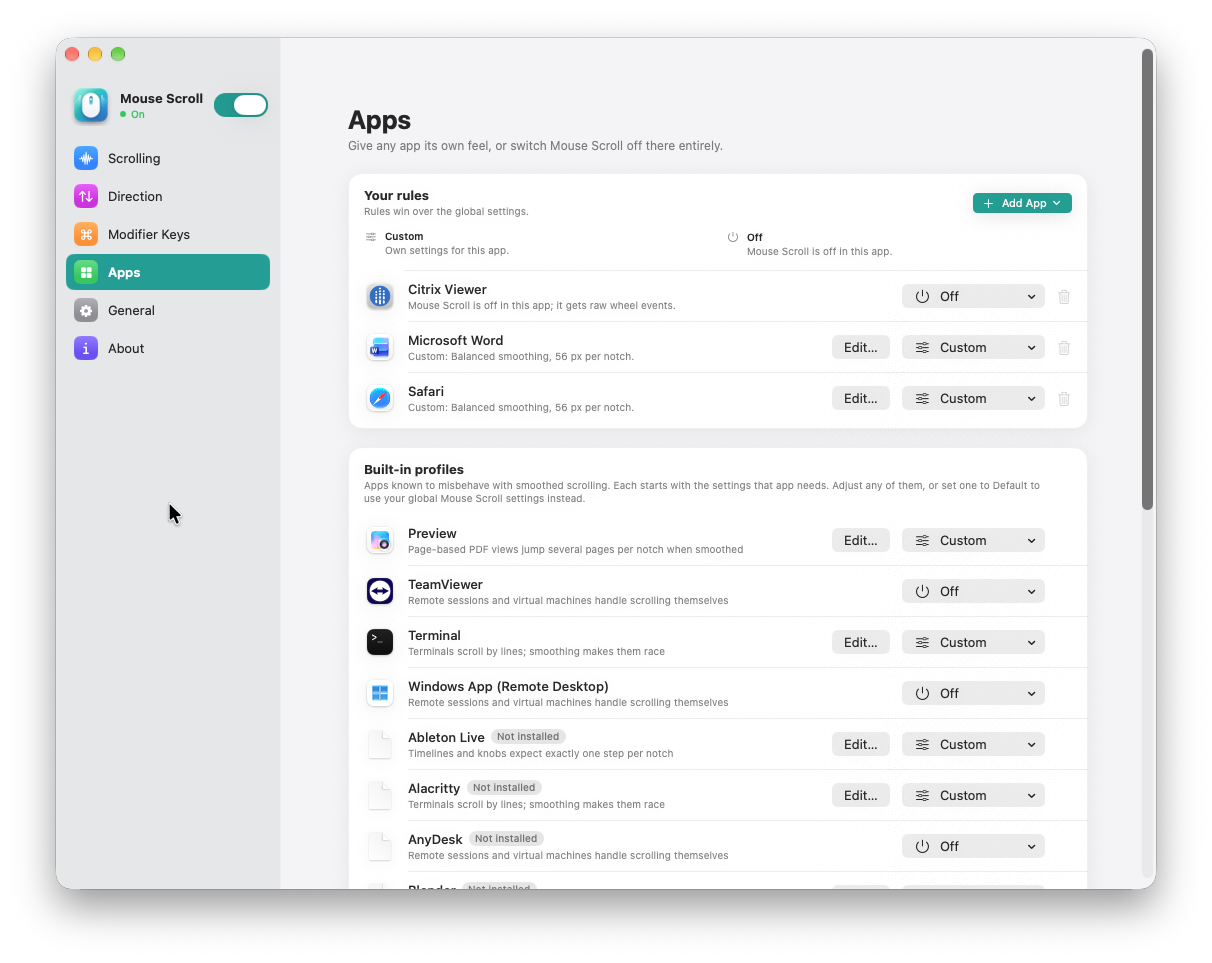
Give Safari a smooth glide, set a different feel in Word, or turn Mouse Scroll off for a remote session. Your app rules override the global settings, with built-in profiles as a starting point.
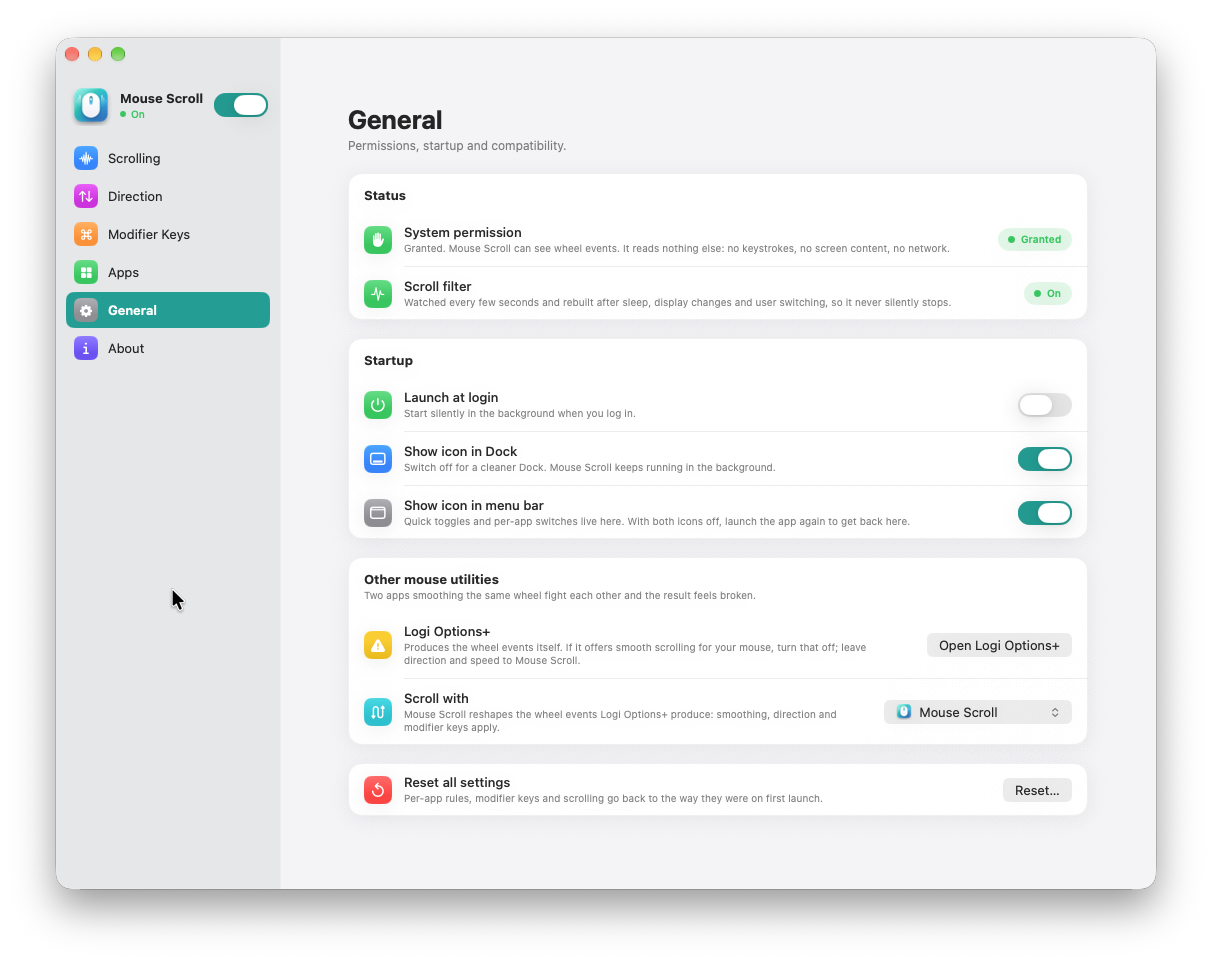
Start at login and keep quick controls in the menu bar. Choose whether to show the Dock icon, review permissions, and manage compatibility with other mouse utilities in one place.
Made for everyday use.
Start with Gentle, Balanced, or Snappy, or choose Custom to build your own scrolling feel.
Adjust duration, distance per notch, and acceleration. Use the system scroll speed when you prefer macOS to set the distance.
Reverse vertical and horizontal mouse-wheel scrolling independently, while leaving your trackpad’s direction unchanged.
Assign Command, Option, Control, and Shift to precise, fast, or horizontal scrolling. You can also pause smoothing or leave an action to macOS.
Use custom settings in a particular app or switch Mouse Scroll off there. Built-in profiles help with apps that handle scrolling differently.
Choose Launch at Login and decide whether to show Mouse Scroll in your Dock, menu bar, or both.